



About Gabby
Export an HD video frame into an image.
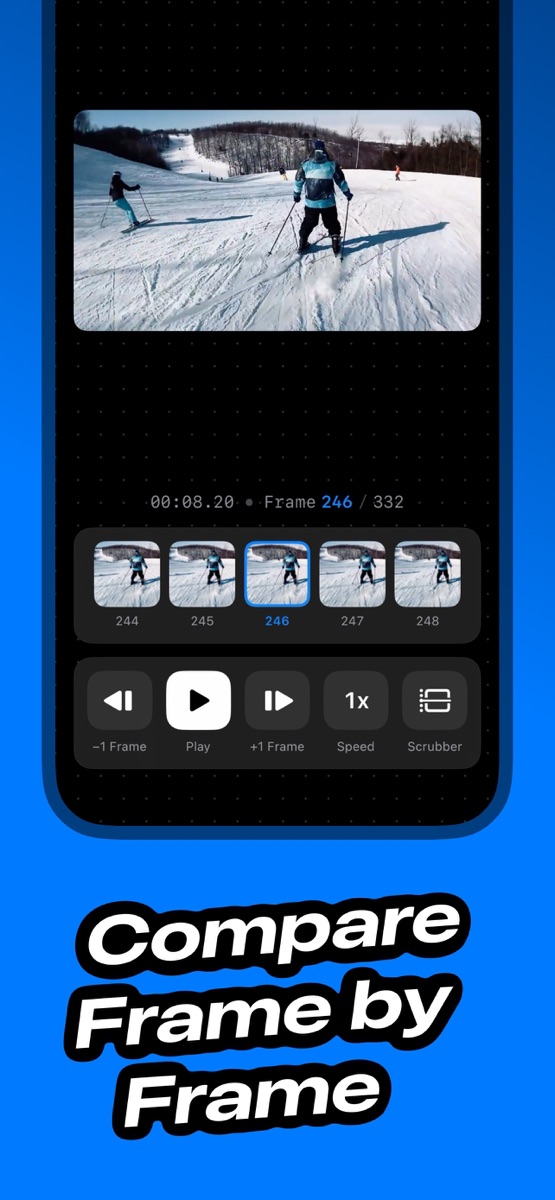
Gabby helps you pick the exact moment you want and export it as a high‑quality image, with metadata preserved when possible.
Save the best moments from any video in seconds:
- Capture the perfect frame from your clips
- Review ski, gym, golf form frame-by-frame
- Create clean thumbnails for social posts
- Turn 4K videos into high-quality photos
- Share standout moments instantly with others
- No more manual screenshots.
Features (A separate subscription purchase is needed to use the following features)
- Frame-accurate capture: scrub to the moment you want and export.
- High-quality possible.
- Metadata-aware saving: keeps useful info when available.
- Simple, focused workflow: open a video, pick a frame, save.
- Privacy: not asking for full photo access. Process within your device.
Terms of Use: https://aigrammar.app/terms/
Privacy Policy: https://aigrammar.app/privacy/
Links
Considering writing about Gabby and need marketing material, promo codes, or other assistance? I'm here for you: hello+gabby@sarunw.com
App Details
| Version | 1.2.1 |
|---|---|
| Size | 13 MB |
| Category | Photo & Video |
| Initial release | Apr 2026 |
| Last update | Jul 2026 |
| Price | Free |
| Compatibility | iOS 18.0 or later |
| Languages | English, French, German, Italian, Japanese, Portuguese, Chinese, Chinese, Turkish |
Get Gabby
Export an HD video frame into an image.
Designed & developed by Sarun Wongpatcharapakorn
I write about Swift and iOS development on this blog. If it has ever helped you, trying one of my apps and giving it a nice review would be greatly appreciated. 🙏