Build intelligent Siri experiences, Part 2: Actions
Table of Contents
In Part 1: App Entities, we made our app's content available to Siri. In this part, we'll let Siri do something with that content, such as sending a message.
In this part, we'll explore how App Intents and App Schemas make our app's actions available to Siri, following the Making actions available chapter of Apple's WWDC26 session.
Making actions available
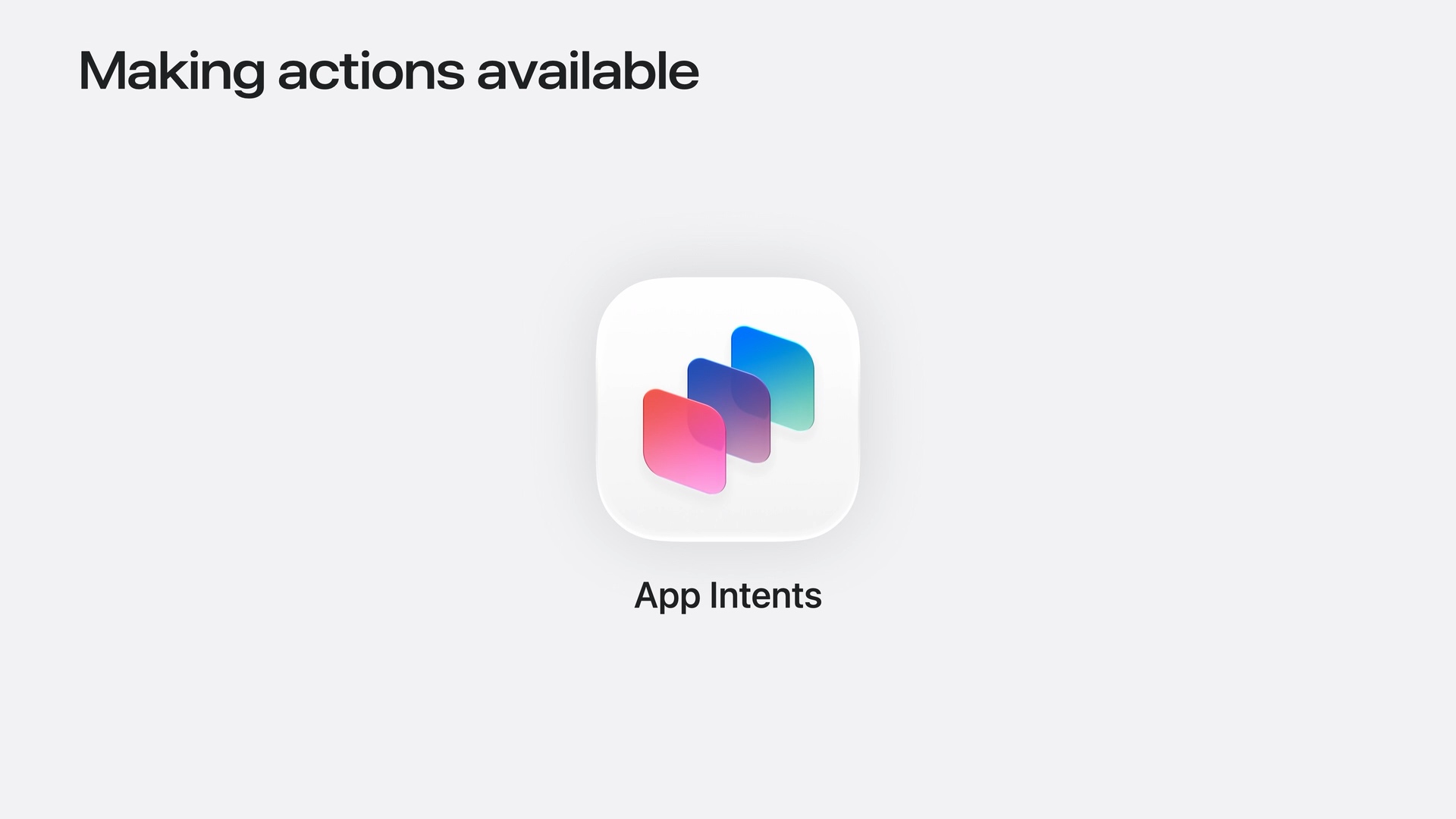
When we define an App Intent, that action can become available across the system, including in Shortcuts, Spotlight, widgets, and more. People can discover and use our app's actions through these experiences.
We describe what the action does, define the parameters it needs, and implement its behavior. The system uses that information to make the action available in relevant places.
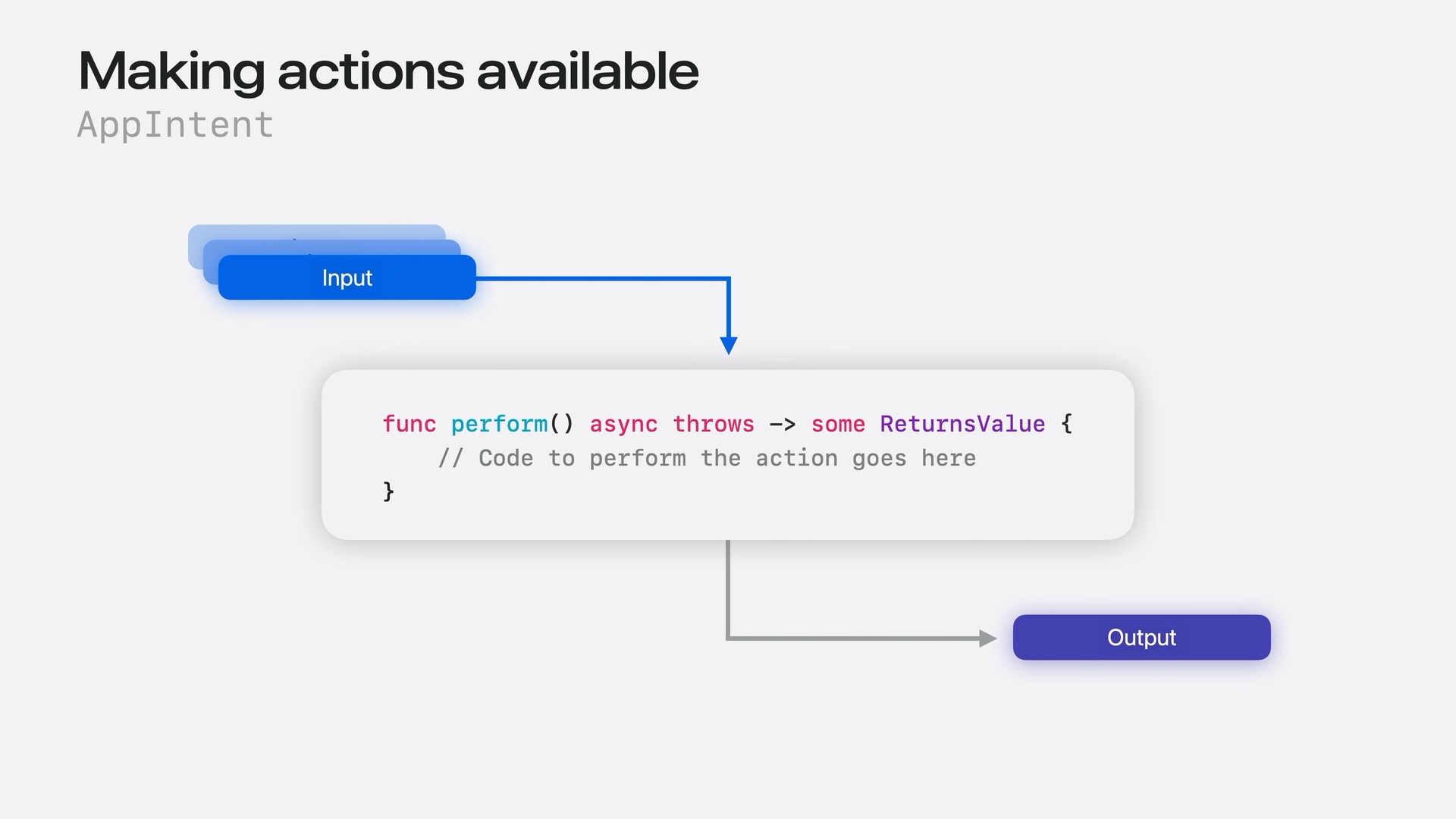
An intent's parameters provide the inputs for the action. We implement the action inside perform(), using those values to carry out the work. The result can include an output value for the system to use.
For example, a messaging action might receive a recipient and some text, send the message, and return the sent message as an entity.
You can easily support sarunw.com by checking out this sponsor.

AI Paraphrase:Are you tired of staring at your screen, struggling to rephrase sentences, or trying to find the perfect words for your text?
Bring your actions to Siri
To bring our app's actions to Siri, we annotate our intent with @AppIntent and specify the schema we want to adopt:
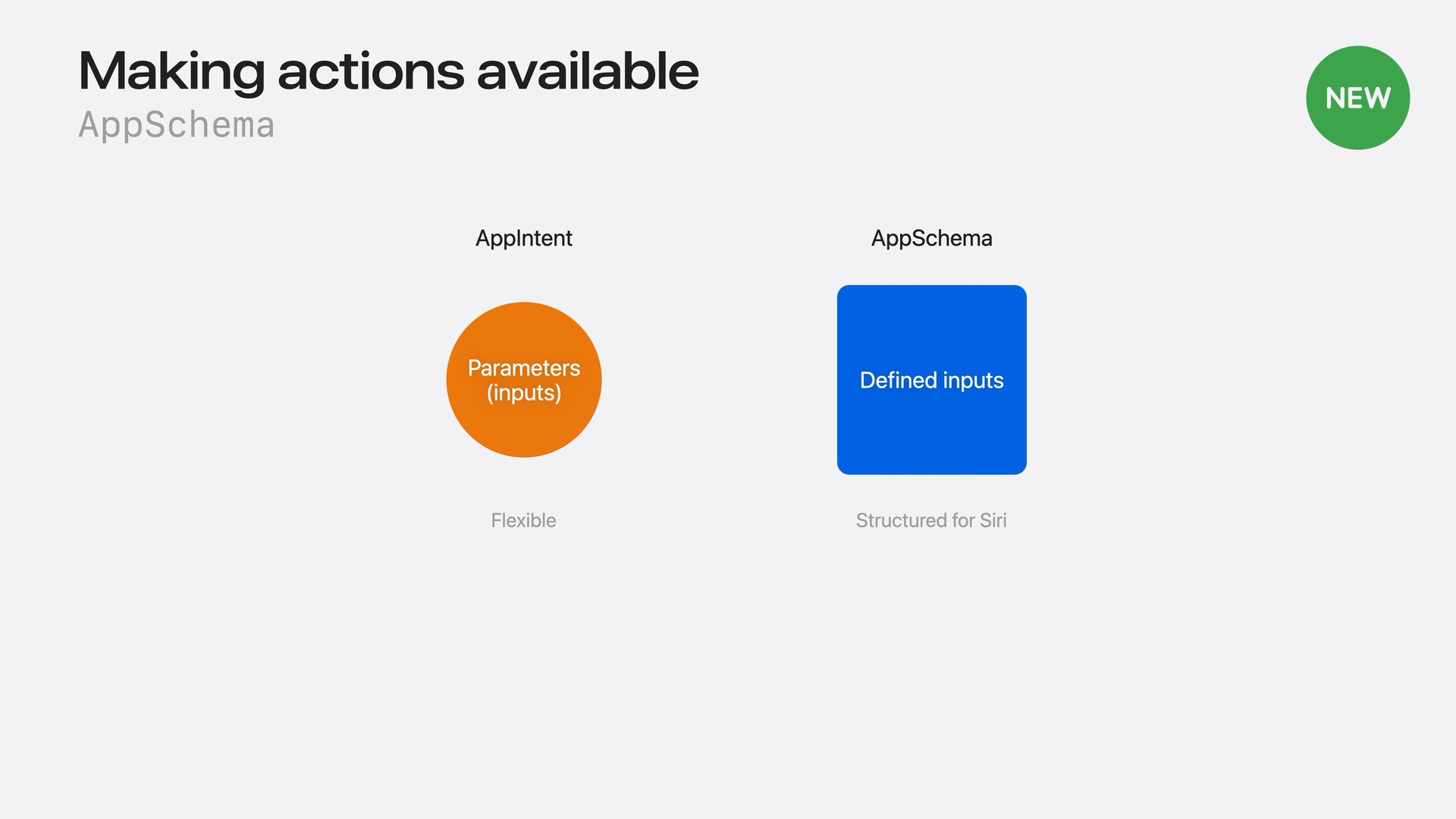
@AppIntent(schema: <schema you want to adopt>)Think of schemas as a specialization of App Intents. We still implement the action ourselves, but the schema defines the inputs Siri expects.
For example, a request to send a message needs a recipient and some text. The schema helps Siri connect what someone says to those inputs. Siri handles the language understanding. Our app performs the action.
In the following example, we make our intent conform to the .messages.sendMessage schema.
@AppIntent(schema: .messages.sendMessage)
struct SendMessageIntent: AppIntent {
    // The recipient or recipients.
    var destination: MessageDestination

    // The message's subject and text.
    var subject: AttributedString?
    var content: AttributedString?

    // Image attachments and an optional audio message.
    @Parameter(supportedContentTypes: [.image])
    var attachments: [IntentFile]
    @Parameter(supportedContentTypes: [.audio])
    var audioMessage: IntentFile?

    // Locations and links to share.
    var locations: [PlaceDescriptor]
    var links: [URL]

    // An optional date for sending the message later.
    var scheduledDate: Date?

    func perform() async throws -> some ReturnsValue<[MessageEntity]> {
        // Send the message using our app's existing code.
        // Return the sent message entities to the system.
    }
}
For example, when someone says “Send Alex a message saying I'm late,” Siri can map Alex to destination and “I'm late” to content.
The schema defines the expected structure and meaning. Our app supplies the behavior in perform().
AppSchema domains
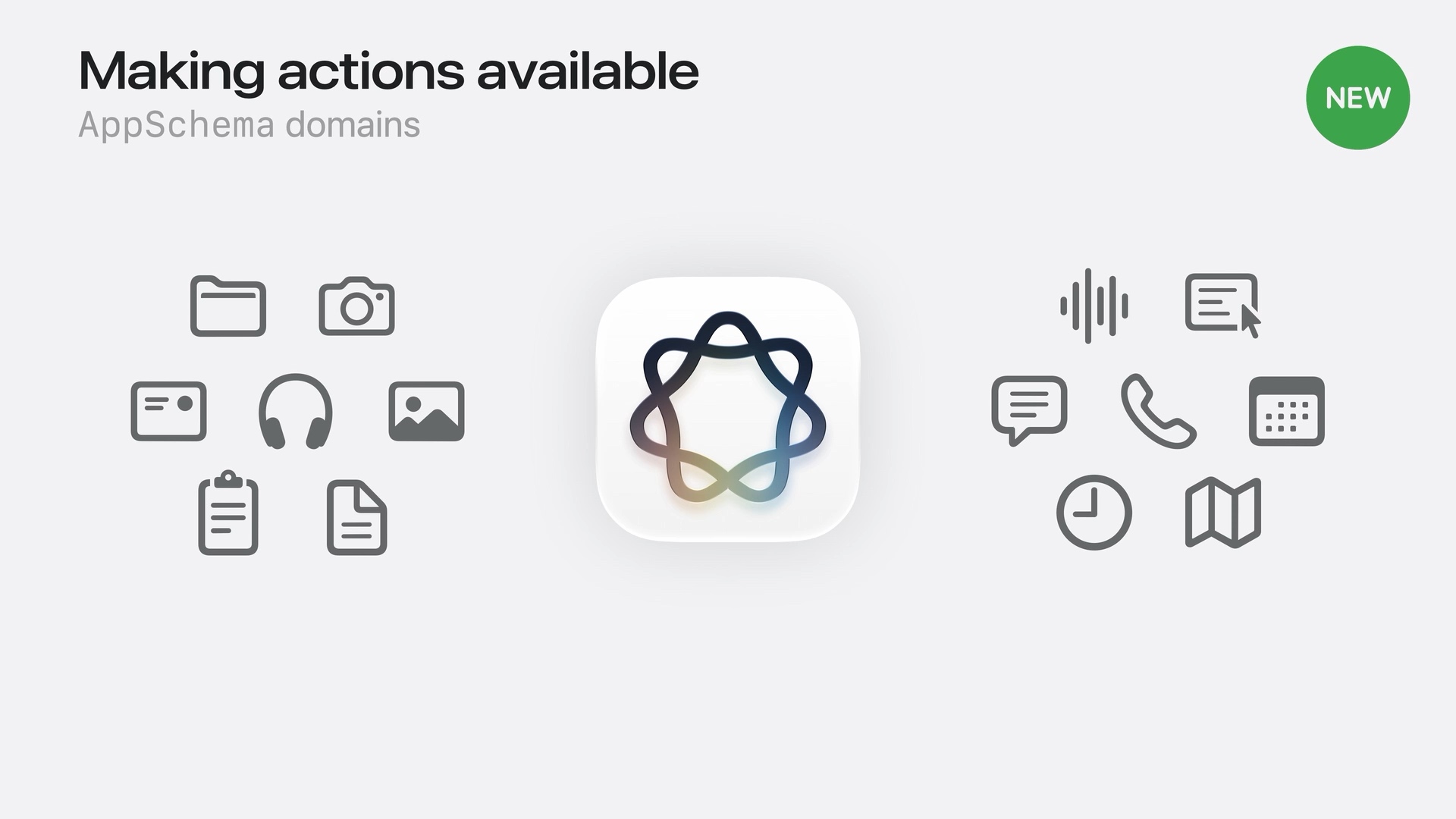
A messaging app can support several related actions, such as drafting and sending messages. An AppSchema domain groups these related schemas together.
We connect those schemas to our app's existing features. This tells Siri what our app can do and which actions are available in that domain.
We select the domain when we specify the schema in our annotation:
@AppIntent(schema: .messages.sendMessage)
// .messages is the domain.
// .sendMessage is the action schema within that domain.
We don't assign our whole app to a domain separately. We adopt schemas from that domain on our intents.
You can easily support sarunw.com by checking out this sponsor.
AI Paraphrase:Are you tired of staring at your screen, struggling to rephrase sentences, or trying to find the perfect words for your text?
Summary
There are three pieces to making our app's actions available to Siri:
- App Intents describe actions. We define their inputs, implement the work in
perform(), and return a result. These actions can be used across the system. - App Schemas give actions a meaning Siri understands. They help Siri connect a person's request to the action and its inputs.
- Domains group related schemas. We adopt the schemas that match our app's features, such as drafting and sending messages in a messaging app.
Together with the App Entities from Part 1, these pieces let Siri find our content and take action using it. Siri understands the request, and our app does the work.
Read more article about iOS, Siri, App Intents, or see all available topic
Enjoy the read?
If you enjoy this article, you can subscribe to the weekly newsletter.
Every Friday, you'll get a quick recap of all articles and tips posted on this site. No strings attached. Unsubscribe anytime.
Feel free to follow me on Twitter and ask your questions related to this post. Thanks for reading and see you next time.
I also make short videos and visual guides on Patreon. Some things are easier to see than to read, like how an API looks and moves on a real screen. If you like to learn that way, come and watch. Sharing the article is also greatly appreciated.
Become a patron Tweet ShareThe new JSON project format in Xcode 27.2
Xcode 27.2 replaces project.pbxproj with project.xcproj, a JSON file. See what changed, how to convert an existing project, and which Xcode versions can still open it.